
Upload Documents
How to share the documents a firm needs to deliver your service.
Firms often need documents to do the work — statements, prior filings, KYC, and so on. The Document Center keeps them attached to the right request.
- 1
See what's requested
When a firm requests a document, you're notified and it appears as pending on the request.
- 2
Upload
Upload the file from the request or the Document Center. You can also upload from a login-free link in a notification.
The Document Center.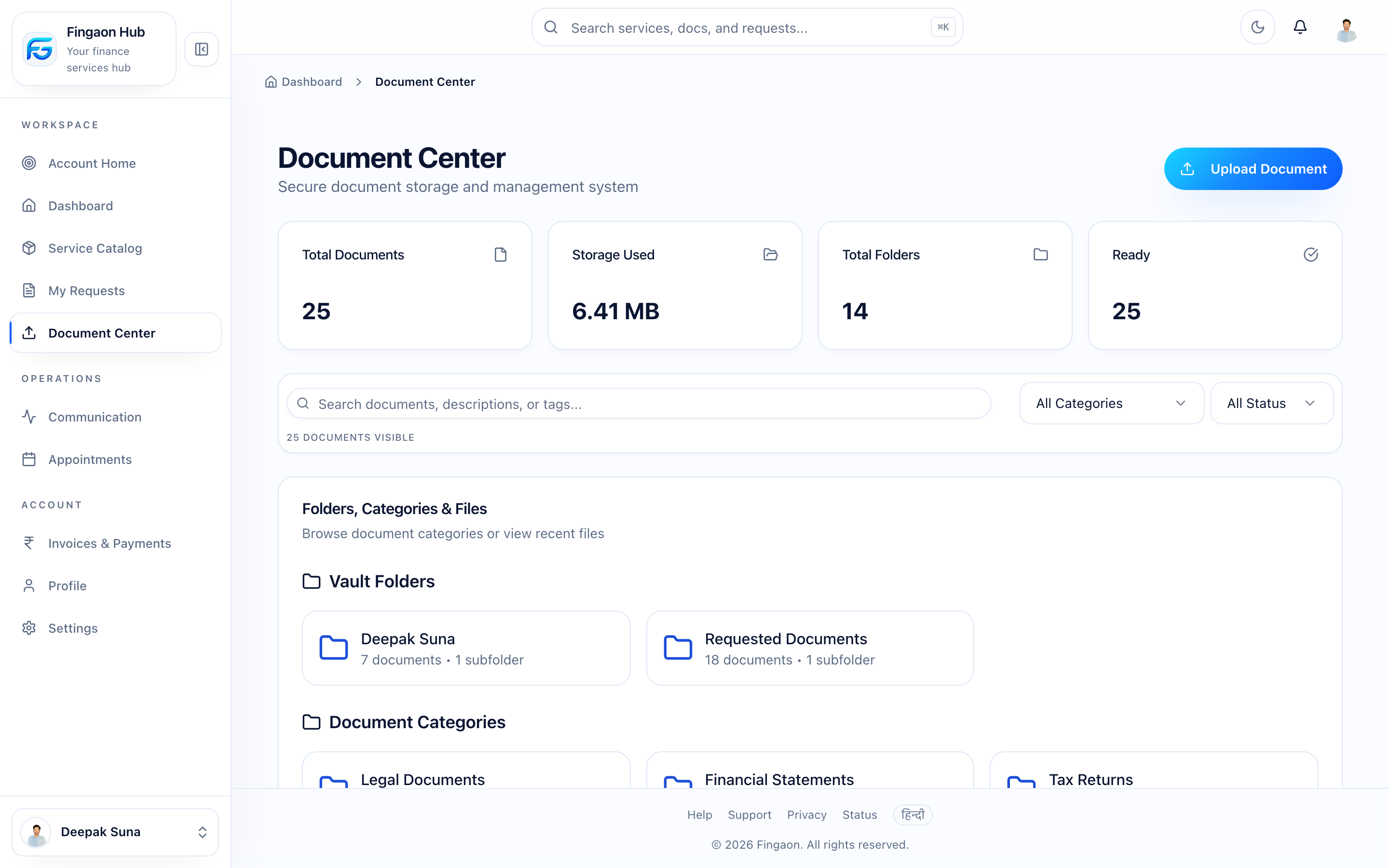
The Document Center. - 3
Firm verifies
The firm reviews and verifies the document. You'll see it move to verified.
Tip
Trouble uploading? See Why can't I upload a document?.
You are here
Upload Documents
Next
Track Your Service