
Make a Payment
How payments work on Fingaon — paying a quote, paying interim pay orders, and login-free payment links.
Fingaon handles payments securely through a payment gateway. Depending on the service, you either pay after accepting the quote, or the firm raises pay orders during delivery.
You are here
Quote → Make Payment
Next
Upload Documents & Track
- 1
Open the payment
A payment can be reached from your request, from Invoices & Payments, or from a login-free link in an email or WhatsApp message.
The secure payment screen.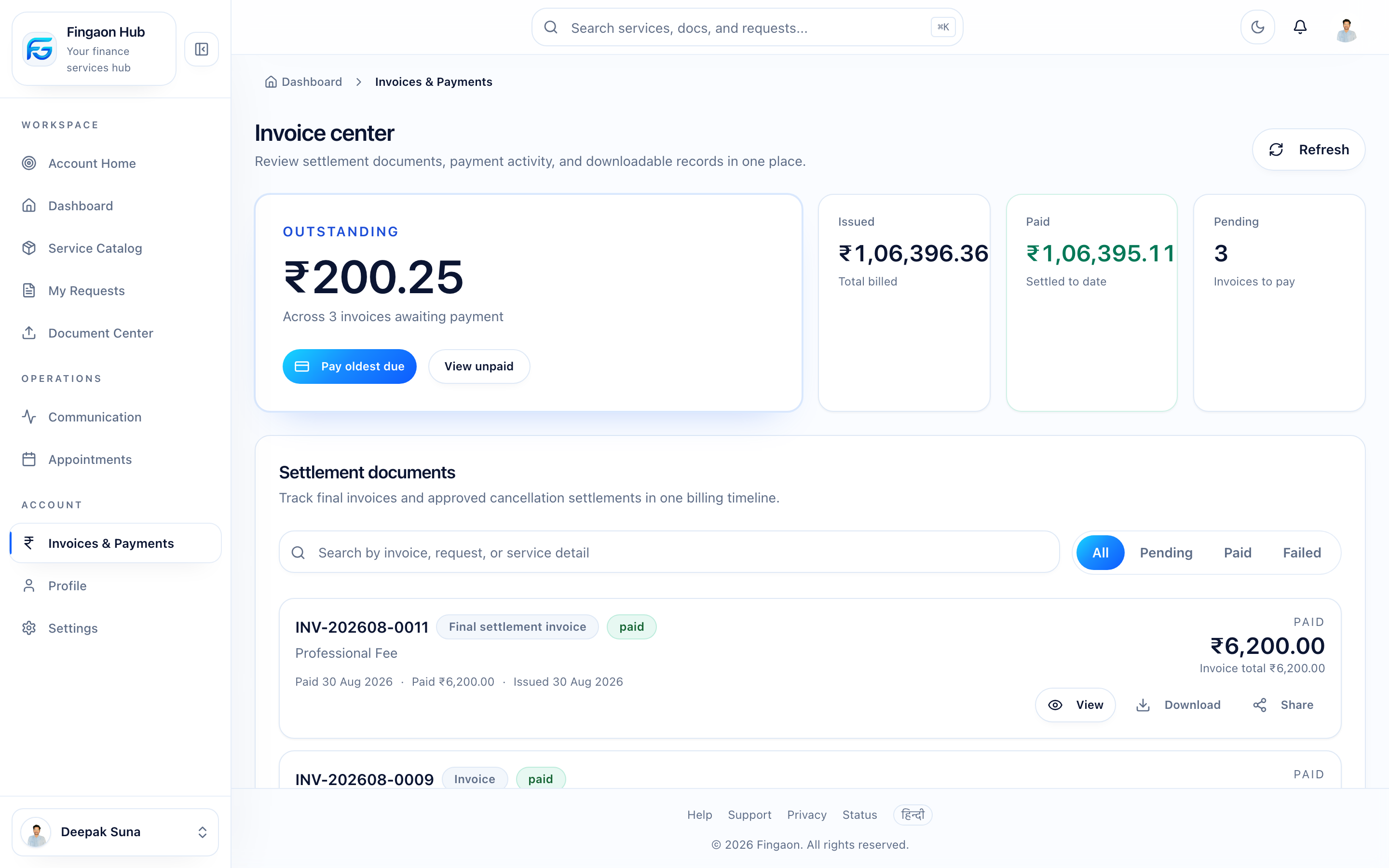
The secure payment screen. - 2
Pay securely
Payments are processed by the payment gateway. Fingaon never asks for your bank password or full card details on its own pages.
Next →Once successful, the payment is recorded against your request.
- 3
Get your receipt
After a successful payment you can view or download a receipt.
Pay orders during delivery
For some services, the firm collects money in stages using pay orders — for example a government fee. Each one moves PENDING → APPROVED → PAID.
You won't pay twice
Anything you pay through pay orders is credited on your final invoice. See Pay Order vs Invoice.
Paid the firm directly?
If you paid a firm outside Fingaon (UPI, bank transfer, cheque, cash), the firm can record it as an external payment. You may be asked to confirm it before it's reflected.
If a payment fails
A failed payment doesn't cancel your request — just try again. See Why did my payment fail?.