
Request a Service
How to raise a service request from the marketplace and what happens after you submit it.
A service request is where every engagement begins. It tells a firm exactly what you need so they can quote and deliver.
You are here
Marketplace → Request a Service
Next
Review & Accept Quote
- 1
Open the service
From the marketplace, open the service you want and choose Request service.
Next →You'll describe your requirement.
- 2
Describe your requirement
Add the details the firm needs — the entity involved, the period, and anything specific. The clearer this is, the more accurate your quote.
Raising a service request.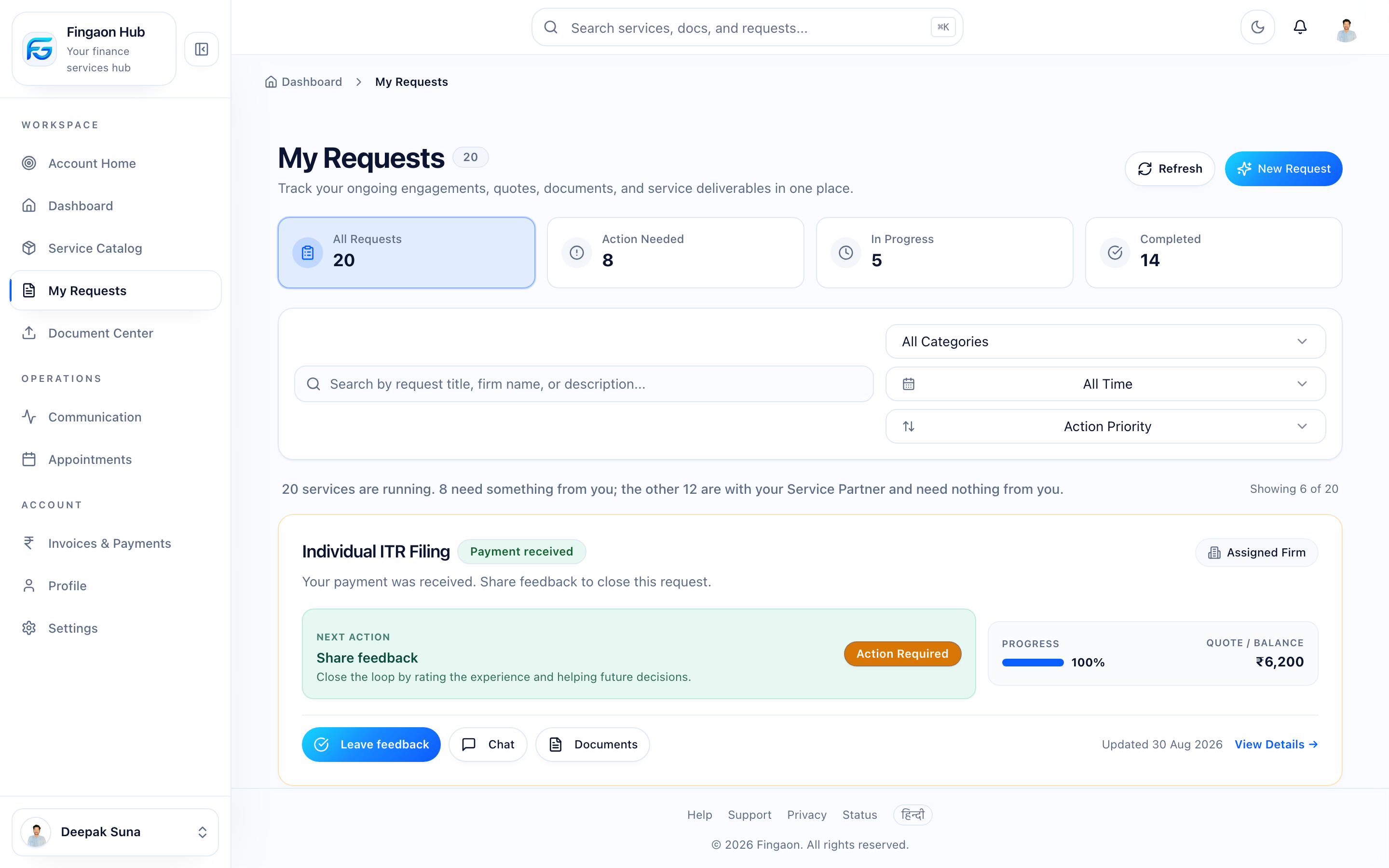
Raising a service request. Next →Submit the request.
- 3
Submit
Once submitted, your request is
REQUESTEDand the firm receives it in their Workspace.Next →The firm reviews it and prepares a quote.
- 4
Track it
Your request appears under My Requests. You can open it any time to see its status, messages, and documents.
A request's detail view with status, messages, and documents.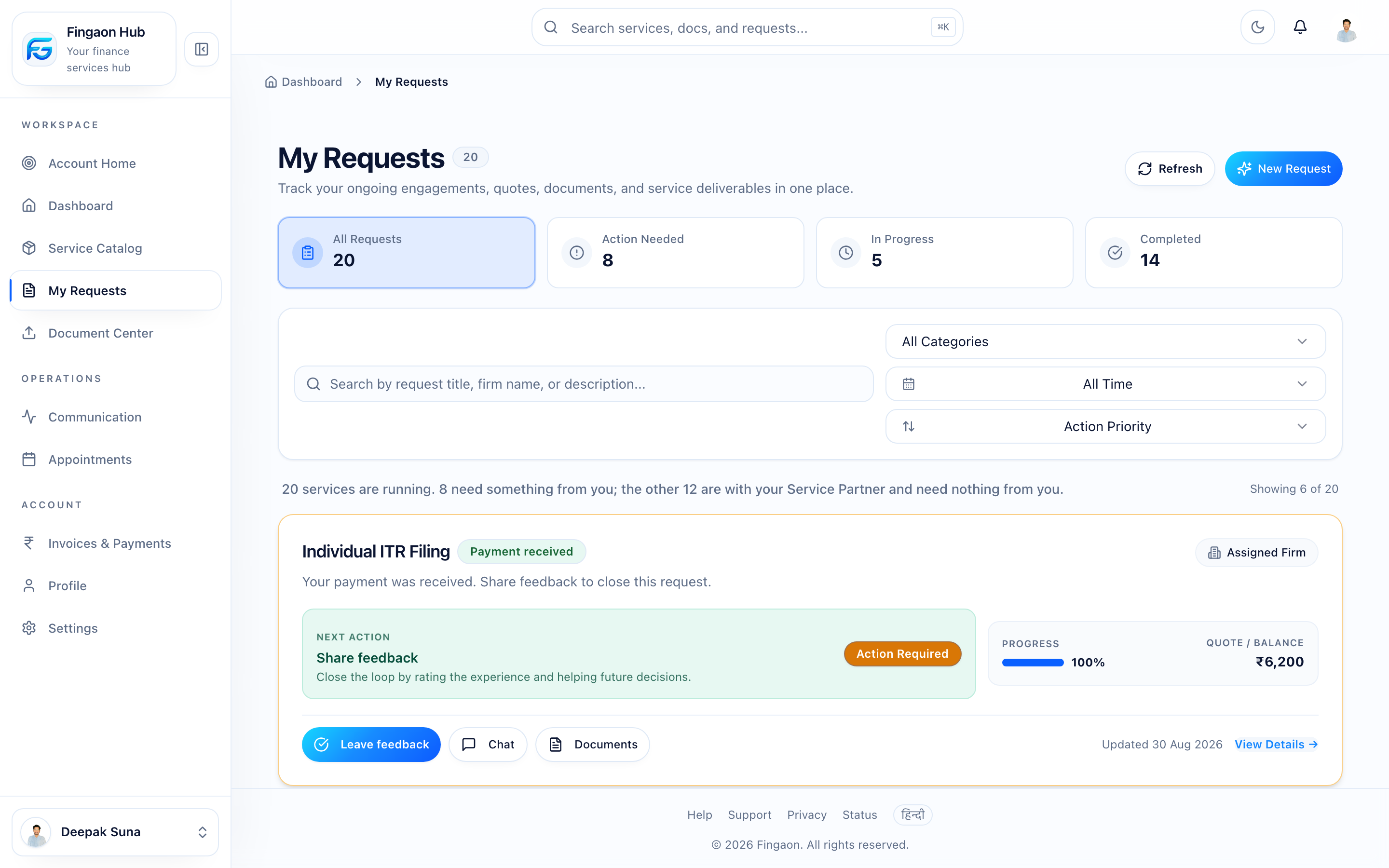
A request's detail view with status, messages, and documents.
What the status means
Your request moves through these states
What happens next
When the firm sends a quote, your request becomes QUOTED and you'll be notified. Head to Review & Accept Quote to continue.
Tip
Need to cancel? You can request cancellation from the request before work is far along. The firm is notified and confirms it.