
Add & Publish Services
Offer services on the marketplace — how the shared service and your own offering fit together.
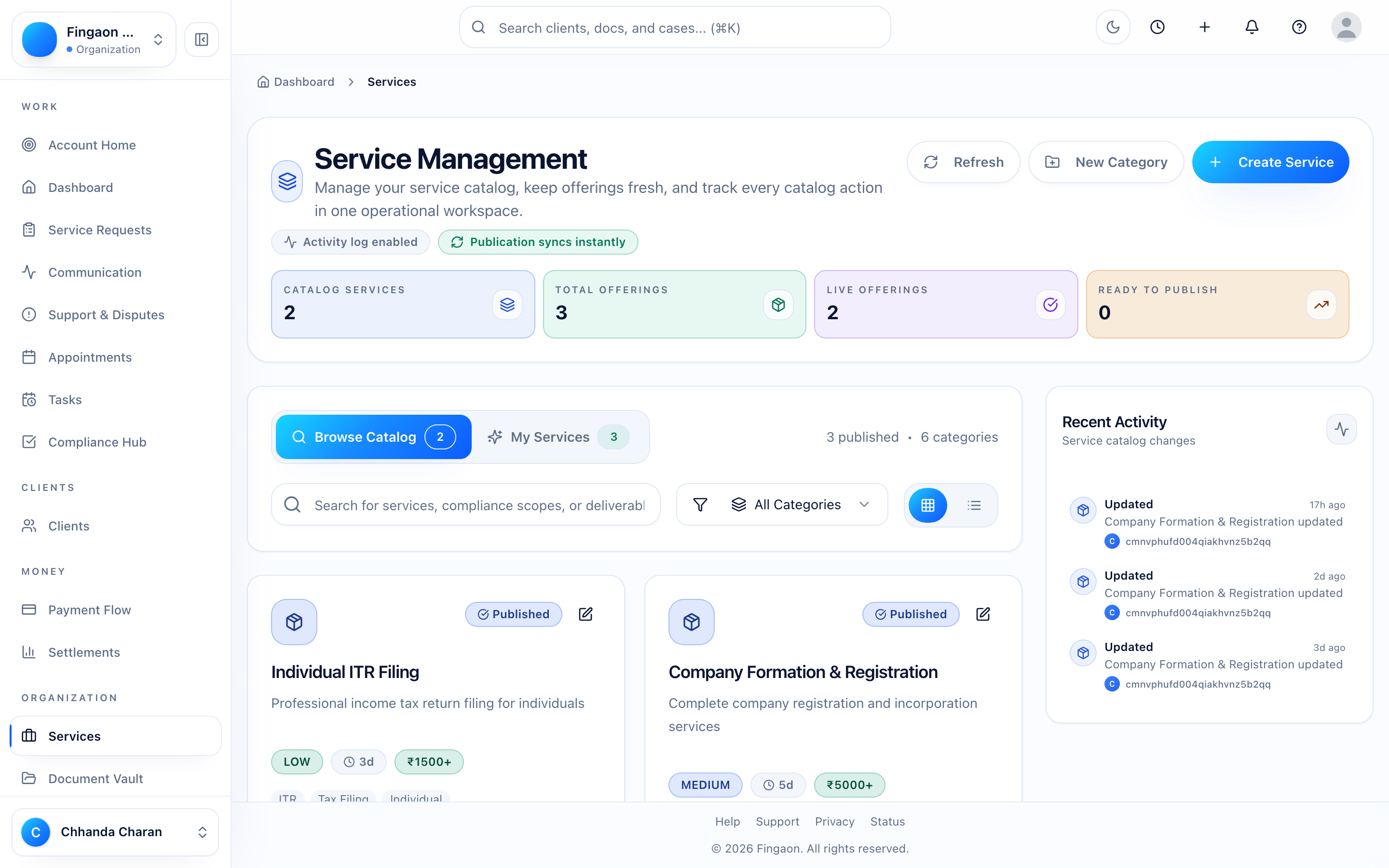
Services are what clients discover and request. Every service on Fingaon has two parts:
| Shared service | Your offering | |
|---|---|---|
| What it is | The catalog entry clients search for, e.g. "GST Registration" | How your firm delivers that service |
| Who sees it | Everyone, above the list of partners | Clients comparing partners, on your profile, and in your quotes |
| Holds | A neutral overview, typical documents, general process | Your description, deliverables, documents you'll ask for, price, turnaround |
| Who edits it | Fingaon (you, while you are its only partner) | Only you, any time |
- 1
Look for an existing service first
Search the catalog before creating anything. If the service already exists, publish your offering on it. You set your own scope, documents and price without changing anything for other partners.
- 2
Create a new service only if nothing fits
A new service goes live immediately with your offering attached. Describe what the service is in the shared fields. Keep your firm's promises, extras and prices in your offering.
- 3
Keep your offering current
Edit your offering whenever your scope, documents or price change. Clients see exactly what you include before they request, and your quotes start from it.
Why can't I edit a service's shared description?
Once another partner offers the same service, its shared description belongs to every partner, so Fingaon maintains it. Anything specific to your firm goes in your offering, which only you control.
You are here
Add Services
Next
Manage Clients