
Receive & Review Requests
Handle incoming service requests and move them through your delivery workflow.
When a client raises a request, it lands in your Workspace ready to review.
- 1
Review the requirement
Open the request to see what the client needs, their details, and any attachments.
Reviewing an incoming request.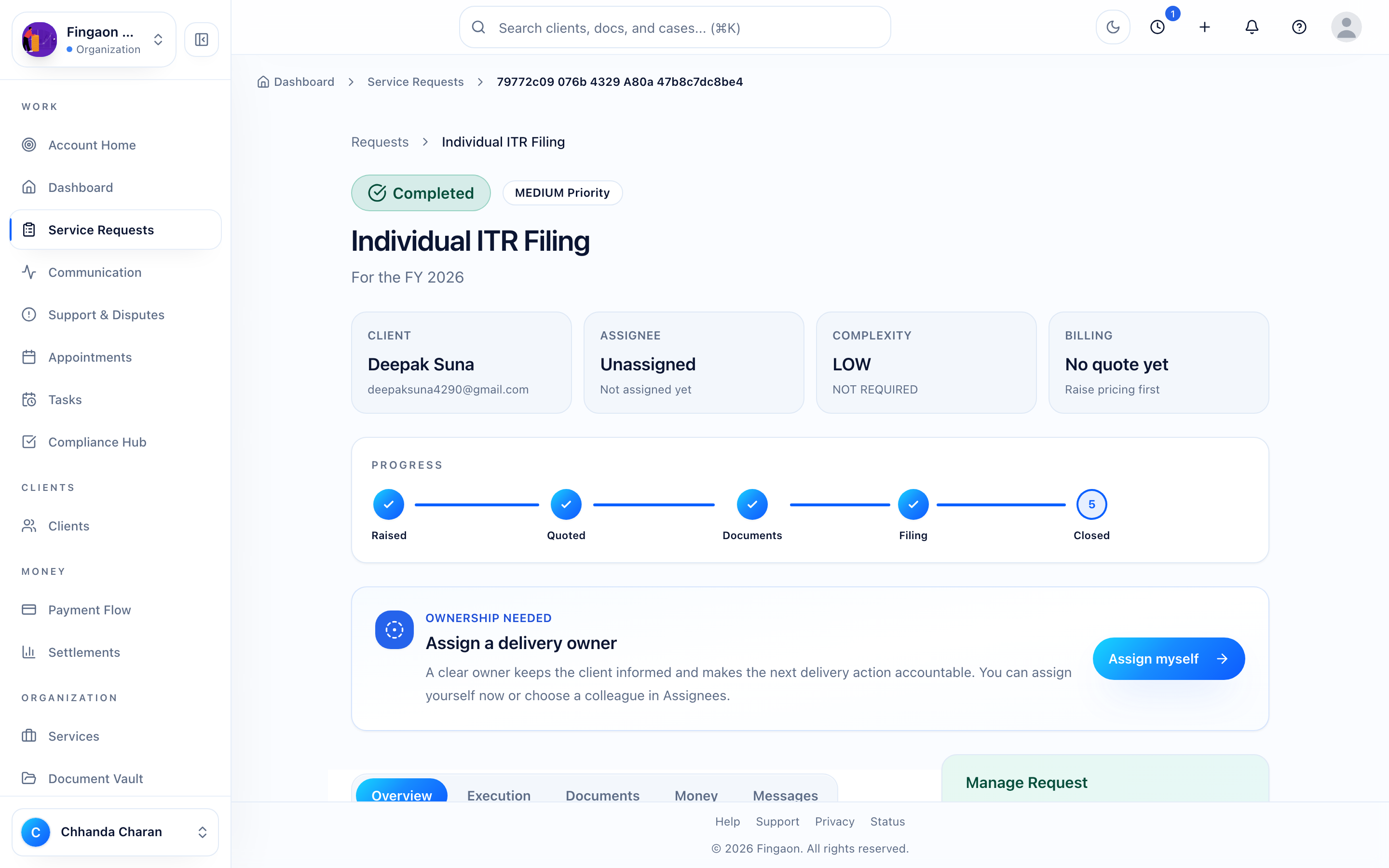
Reviewing an incoming request. Next →Decide to proceed with a quote, or ask for more detail.
- 2
Create a quote
When you're ready, prepare a quote. See Create quotes.
Your delivery workflow
The firm view of a request is more granular than the client's. It moves through:
PENDING
REVIEW
QUOTE_PROVIDED
ACCEPTED
CONSENT_PENDING
DOCS_PENDING
IN_PROGRESS
AWAITING_INPUT
COMPLETED
You are here
Receive Requests
Next
Create Quotes